Applying Pattern Activities
Use Pattern activities to copy entities in the direction specified by the element. Specify the offset distance.
A pattern activity creates a pattern when you trigger the activity in the CustomBlock reference, which uses the selection set of entities in the pattern.
You can apply a Pattern activity to the following elements:
- Linear.
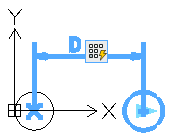
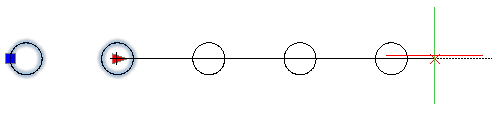
- Polar.
- XY.
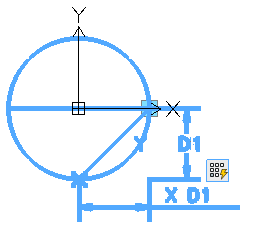
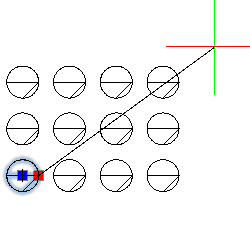
To add a pattern activity to a CustomBlock definition:
- In the Block Editor, type CBActivityTool at the command prompt.
- Specify the Pattern option.
- In the graphics area, specify one of the following elements to associate with the activity:
- Linear
- Polar
- XY
- Specify the entities to associate with the activity and press Enter.
- Specify the offset distance between columns.
- If you are applying the pattern activity to an XY element, specify the distance between rows.
The activity icon appears on the specified element.