
Creating a SketchUp File from a Drawing
SketchUp is an interactive 3D modeling application that lets you view and refine 3D models.
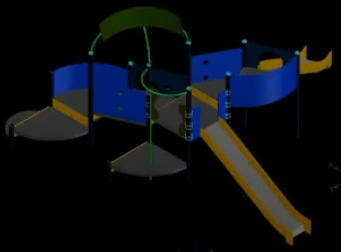
Use the ExportSketchUp command to save the current drawing to a SketchUp (SKP) file. The command converts 2D entities and 3D solids. The resulting SKP files are compatible with SketchUp.
Note: Complex designs may not convert perfectly.
To create a SketchUp file from a drawing:
Before exporting to SketchUp, simplify your drawing, if possible. Review the file and remove, freeze, or purge any unnecessary items that might complicate the file conversion.
Note: The command does not export the following:
Images
Underlays
Colors
Click File > Export > Export SketchUp (or type ExportSketchUp).
In the dialog box, navigate to the folder where you want to store the file.
In File name, type a name for the file.
Click Save.
Once the export process is complete, you can open the file in SketchUp and continue working on your model.

Access
Application Menu: File > Export > Export SketchUp
Command: ExportSketchUp
Related Topics
Creating a PNG File from a Drawing
Creating a JPEG File from a Drawing