Using EntityGrips to Modify Solids

You can manipulate solids by modifying them with EntityGrips (EGrips). In the graphics area, you select a solid, select an EntityGrip, then modify the solid.
You use EntityGrips to drag defining points of solids to new positions (stretching), or to move, rotate, scale, mirror, or copy entire solids.
Using EGrips, you can edit the following types of solids:
- Primitive solids
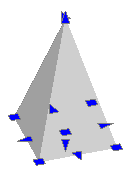
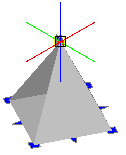
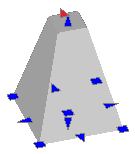
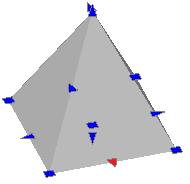
Use EGrips displayed on each primitive solid to modify the position, size, and shape of primitive solids. For example, you can change the height of a pyramid or the size of its base.
- Solids defined by extruding closed 2D entities
Use EGrips displayed on the solid profile (the closed 2D entity defining the solid) to modify the shape.
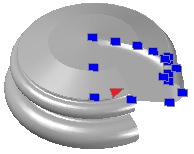
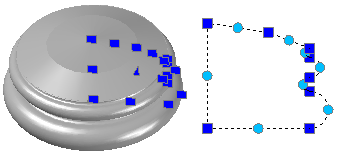
- Solids defined by revolving closed 2D entities
Use EGrips displayed on the revolved 2D entity to modify the profile of the solid surface.
Use EGrips at the axis of revolution endpoint to relocate the solid.
Use the arrow EGrip to modify the revolution angle.
- Solids defined by sweeping closed 2D entities
Use EGrips displayed on the swept 2D entity to modify the solid profile.
Use EGrips on the sweep path to modify the profile curve.
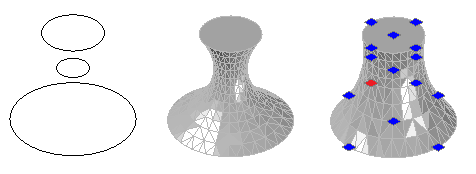
- Lofted solids and surfaces
The solids display EGrips on their defining lines or curves according to the creation method.
- Cross section. You can drag EGrips on any defining lines or curves to modify the shape.
- Path. You can edit the path only.
- Composite solids
Use EGrips displayed on the composite solids to move the solid to a new location.