
Unifying 3D Solids or Regions
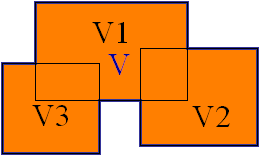
The Union command creates a composite region or solid by addition.
To unify regions or 3D solids to one object:
Click Solids > Solid Editing > Union (or type Union).
Select the regions or 3D solids to join to one object and press Enter.
To unify the selected objects, they must touch each other or overlap.
Based on this selection set the new object is created. The source objects are deleted.
Access
Command: Union
Menu: Solids > Solid Editing > Union
Ribbon: Home > Solid Editing > Boolean > Union
Related Topics
Parent Topic