
Applying Pattern Activities
Use Pattern activities to copy entities in the direction specified by the element. Specify the offset distance.
A pattern activity creates a pattern when you trigger the activity in the CustomBlock reference, which uses the selection set of entities in the pattern.
You can apply a Pattern activity to the following elements:
Linear.
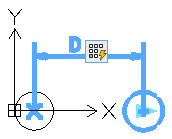
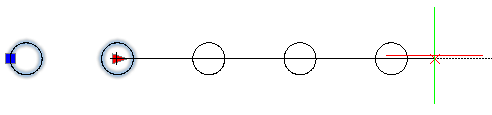
Polar.
XY.
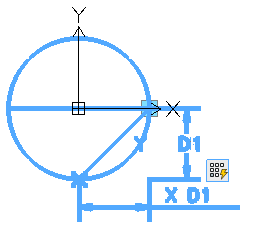
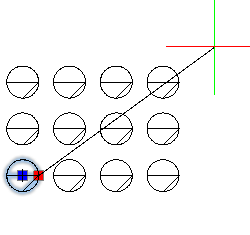
To add a pattern activity to a CustomBlock definition:
In the Block Editor, type CBActivityTool at the command prompt.
Specify the Pattern option.
In the graphics area, specify one of the following elements to associate with the activity:
Linear
Polar
XY
Specify the entities to associate with the activity and press Enter.
Specify the offset distance between columns.
If you are applying the pattern activity to an XY element, specify the distance between rows.
The activity icon appears on the specified element.
Related Topics
Applying Polar Stretch Activities
Parent Topic