
Creating a Circle at the End of a Shaft
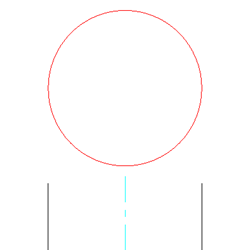
Use the AM_ConstCCRea command to create circular construction lines to represent the top of a shaft or a hole.
To create a circle at the end of a shaft:
Type AM_ConstCCRea at the command prompt.
In the graphics area, specify:
Two points to define the centerline of the shaft to generate the circular construction line from.
A point on the contour side view.
An insertion point for the construction circle.
Repeat steps a to c, or press Enter.
Access
Command: AM_ConstCCRea
Related Topics
Parallel and Perpendicular Construction Lines
Construction Lines at an Angle
Parent Topic