
Placing Centerline Crosses in Holes
Use the AM_CenCrInHole command to place centerline crosses in existing holes. The size of the centerline cross is automatically adjusted to the diameter of each hole.
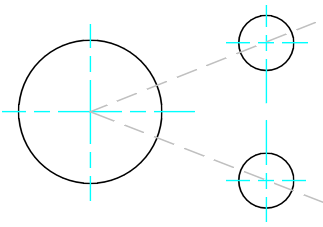
To place centerline crosses in holes:
Do one of the following:
On the ribbon, click Home > Centerlines > Centerlines > Centerline cross in Holes.
Type AM_CenCrInHole.
In the graphics area, click the contour of the holes to which you want to add a centerline cross.
Press Enter.
Access
Ribbon: Home > Centerlines > Centerlines > Centerline cross in Holes
Command: AM_CenCrInHole
Related Topics
Parent Topic